
GRE Class 7 to 9 a.m.
Join the groups below for your online or physical GRE class.
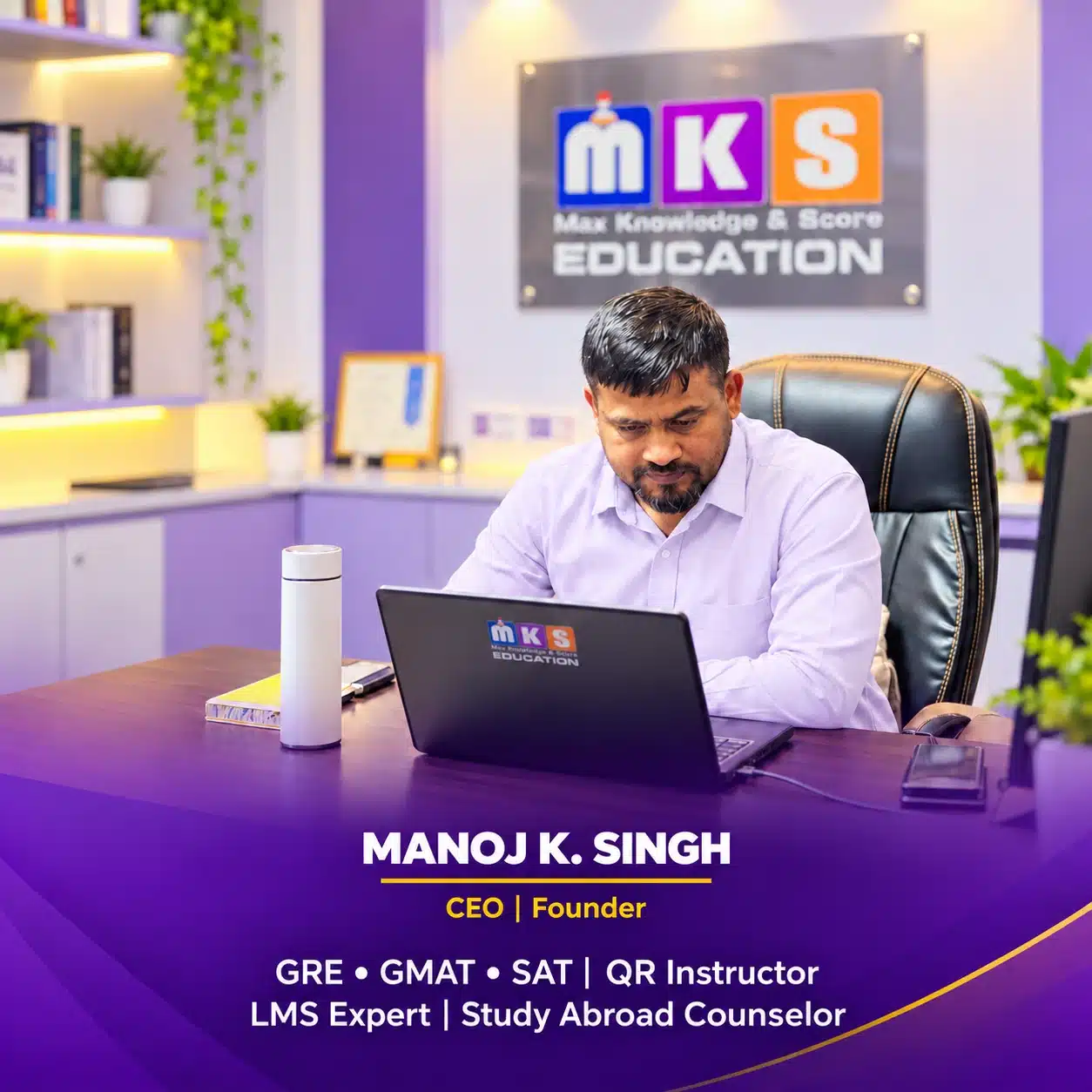
Your QR Instructor
Manoj K. Singh
Quantitative Reasoning Instructor
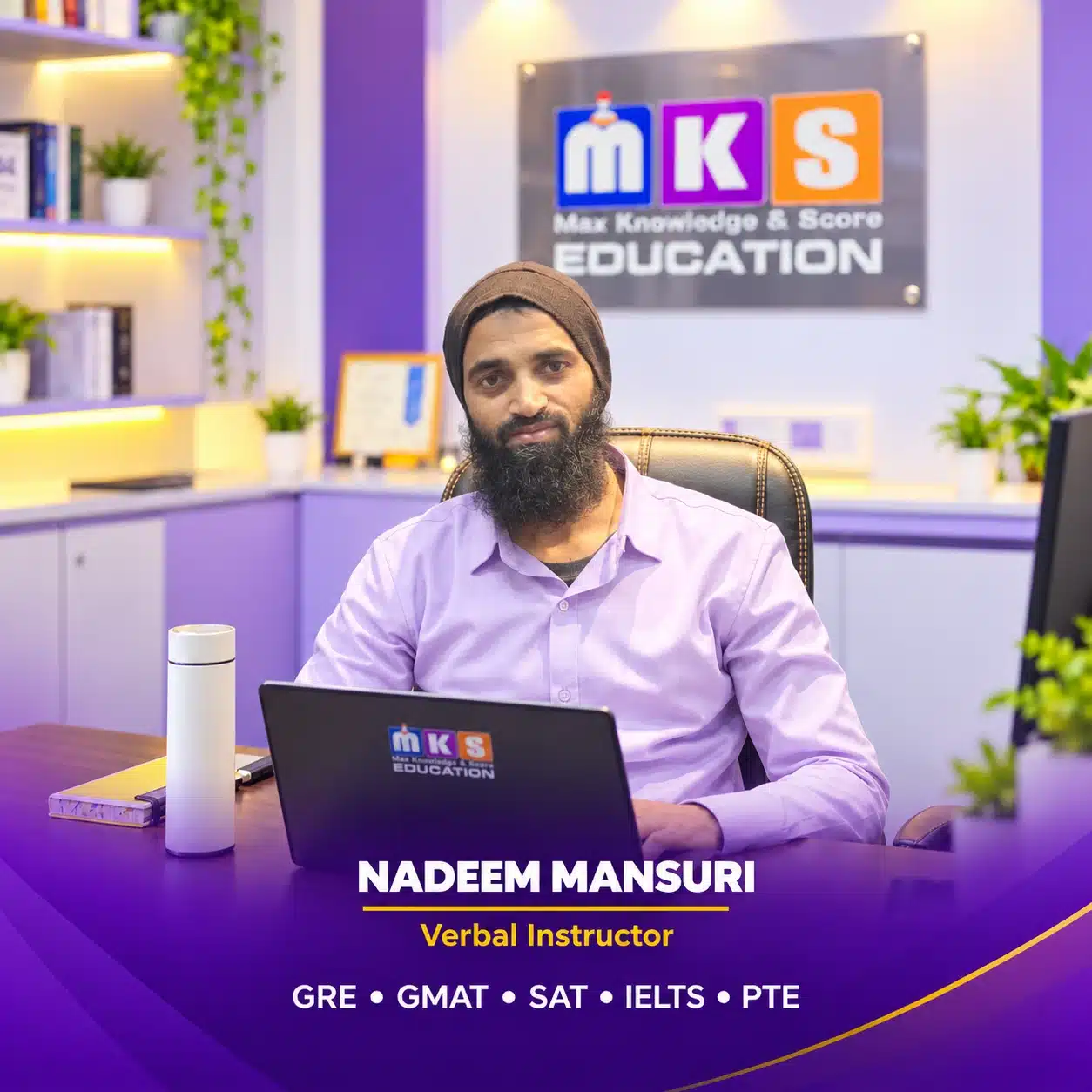
Your VR Instructor
Nadeem Mansuri
Verbal Reasoning Instructor
WhatsApp Class Group

MS Teams Class Group

MKS GRE LMS App

Stay connected with MKS Education
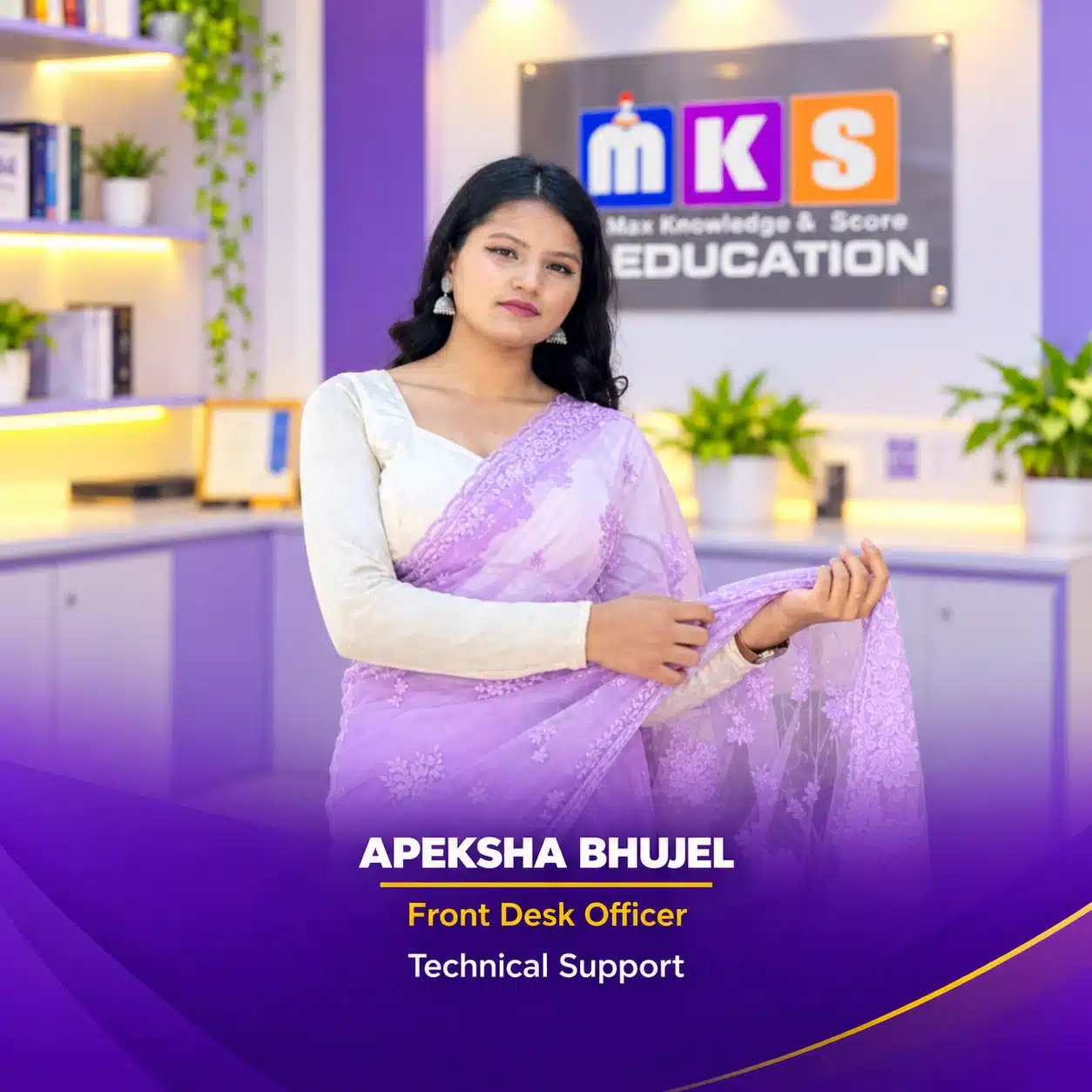
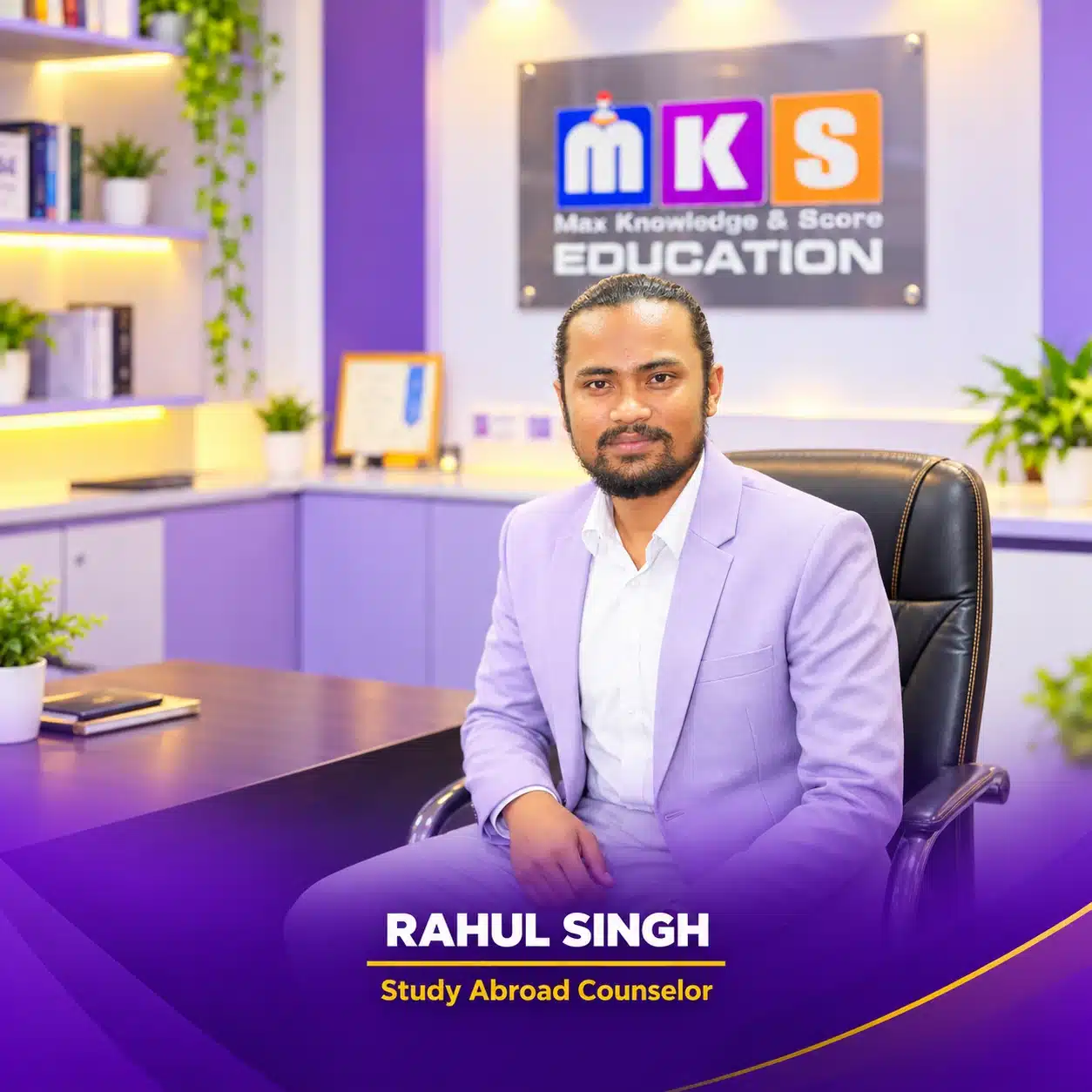
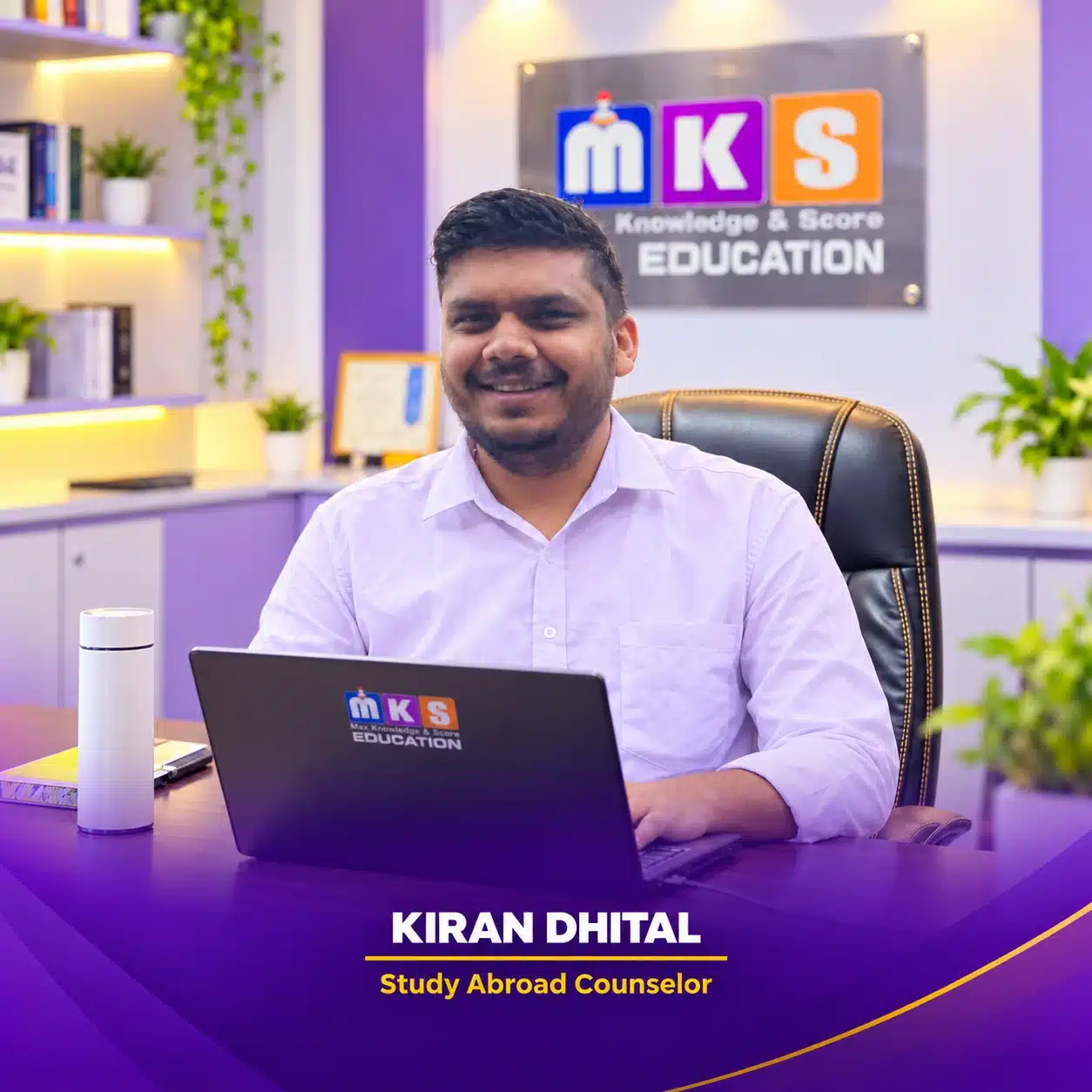
Meet your MKS Support Team
MKS GRE App & Web Portal
Scan a QR code or use the link below it to download the iOS app or open the web portal.
Android
MKS GRE on Google Play
Coming Soon
iPhone & iPad
MKS GRE on the Apple App Store

Web Portal
Open MKS GRE in your browser

GRE LMS App Detail
Choose your next practice area in the MKS GRE App. Study QR, VR and AW with structured lessons, focused practice, test review and explanations between classes.
01
Quantitative Reasoning (QR)
Build your Quantitative skills across Number Properties, Algebra, Geometry, Advanced Topics and Word Problems.
Learn with concept notes, worked examples, practice sets, timed tests, written solutions and video explanations. Review weak areas before your next attempt.
02
Verbal Reasoning (VR)
Strengthen Reading Comprehension, Text Completion and Sentence Equivalence through focused courses and separate test collections.
Learn passage mapping, use context and logic to solve blanks, and compare equivalent meanings. Move from lessons to timed practice, answer review and progress tracking.
03
Analytical Writing (AW)
Develop essay structure, clear reasoning and supporting ideas through GRE Analytical Writing lessons and practice.
Use 30-minute timed writing, word counts and AI-assisted practice feedback to review grammar, structure and idea development, then plan your next draft.
04
GRE Tests
Bring your preparation together with Full-Length, Quantitative Combined and Verbal Combined Tests.
Practise mixed topics, build test stamina, review your work and identify the next concepts to revisit with your QR or VR instructor.
05
GRE Information
Understand the GRE and plan how it fits your graduate-study preparation.
Explore the overview and guidance on why to take the GRE, when to plan your test and where to prepare.
Sign in with your MKS GRE account. Access to courses, tests and review tools depends on your enrolled course and account permissions.
MKS EDUCATION · CLASS GUIDELINES
Class Rules & Policies
Review your class access, learning schedule and support options. IELTS-specific arrangements are clearly marked below.
Access, enrolment & fees
- Initial access Your classes and LMS portal are initially activated for four months.
- Extension & ID card An additional two months of access may be provided when needed. Keep your MKS physical or digital ID card safe for extension requests.
- Pausing classes If you need to pause your classes for any reason, email [email protected].
- Reactivation Email [email protected] again, then call the support team or admissions officer to reactivate your classes.
- Partial payments If you enrol with a partial payment, clear the remaining balance within 10 days of admission.
- No Refund Policy Fees are non-refundable under any circumstances.
Classes & learning
- Weekly schedule Classes run five days a week, Monday to Friday.
- Course duration The course follows an eight-week cycle.
- Rolling classes You join from the topic currently being taught. Your course cycle is complete when that same starting topic returns in the next round.
- Repeat your starting topics Revisiting the topics covered in your first week is recommended, especially in logic-based courses, to strengthen your understanding.
- Extra or double classes If you need additional classes, inform the admissions team. They can arrange entry to multiple classes when needed.
- Class changes Students will be informed in advance if a class cannot be held or an instructor will be absent.
Support & test planning
- Microsoft Teams recordings Class recordings remain available in Microsoft Teams for 10 days.
- Complaints & feedback Report instructor or class concerns, with reasons, to the admissions team, by email or via WhatsApp. MKS will convey the concern to the instructor and work to resolve it.
- IELTS mock tests · IELTS only IELTS mock tests take place every Sunday. IELTS students can also take them from home through the MKS IELTS LMS App.
- Your target test date Tell your instructor if you have a target test date so they can guide your preparation accordingly.
- IELTS test booking · IELTS only MKS Education can book your IELTS test date.
- GRE, GMAT & SAT booking MKS Education assists you with booking GRE, GMAT and SAT test dates.