
Class मा बुझ्नुहोस् · App मा practice गर्नुहोस् · Teacher सँग सुधार्नुहोस्
GRE · Admission अघि जान्नुपर्ने कुरा
GRE तयारीका लागि Class, LMS App र पूरा Support
आफ्नो target score का लागि के पढ्ने र कसरी practice गर्ने भन्ने स्पष्ट योजना चाहिन्छ। MKS मा live class, आफ्नै GRE LMS App र full-time instructor को guidance सँगै लिएर तयारी गर्नुहोस्।
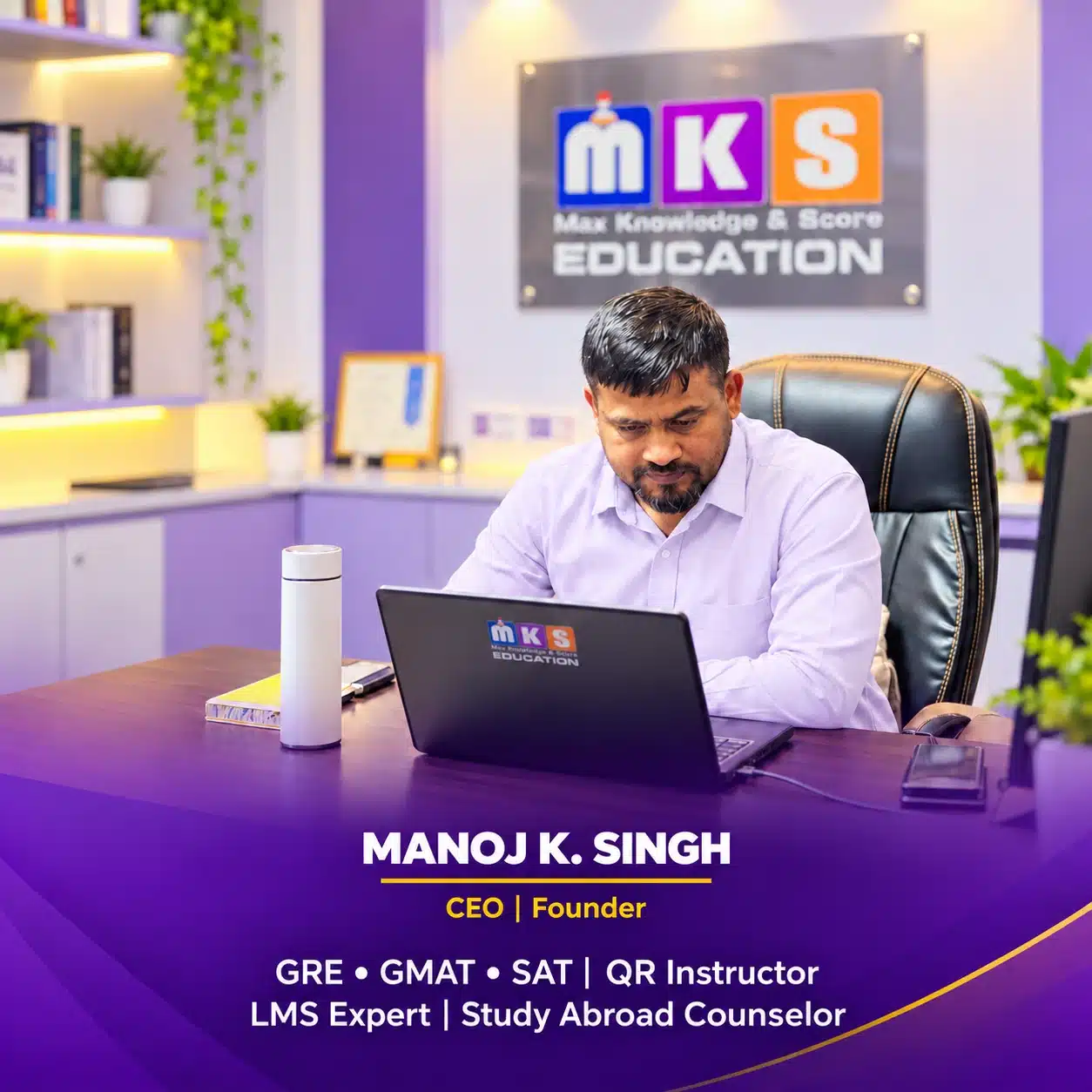
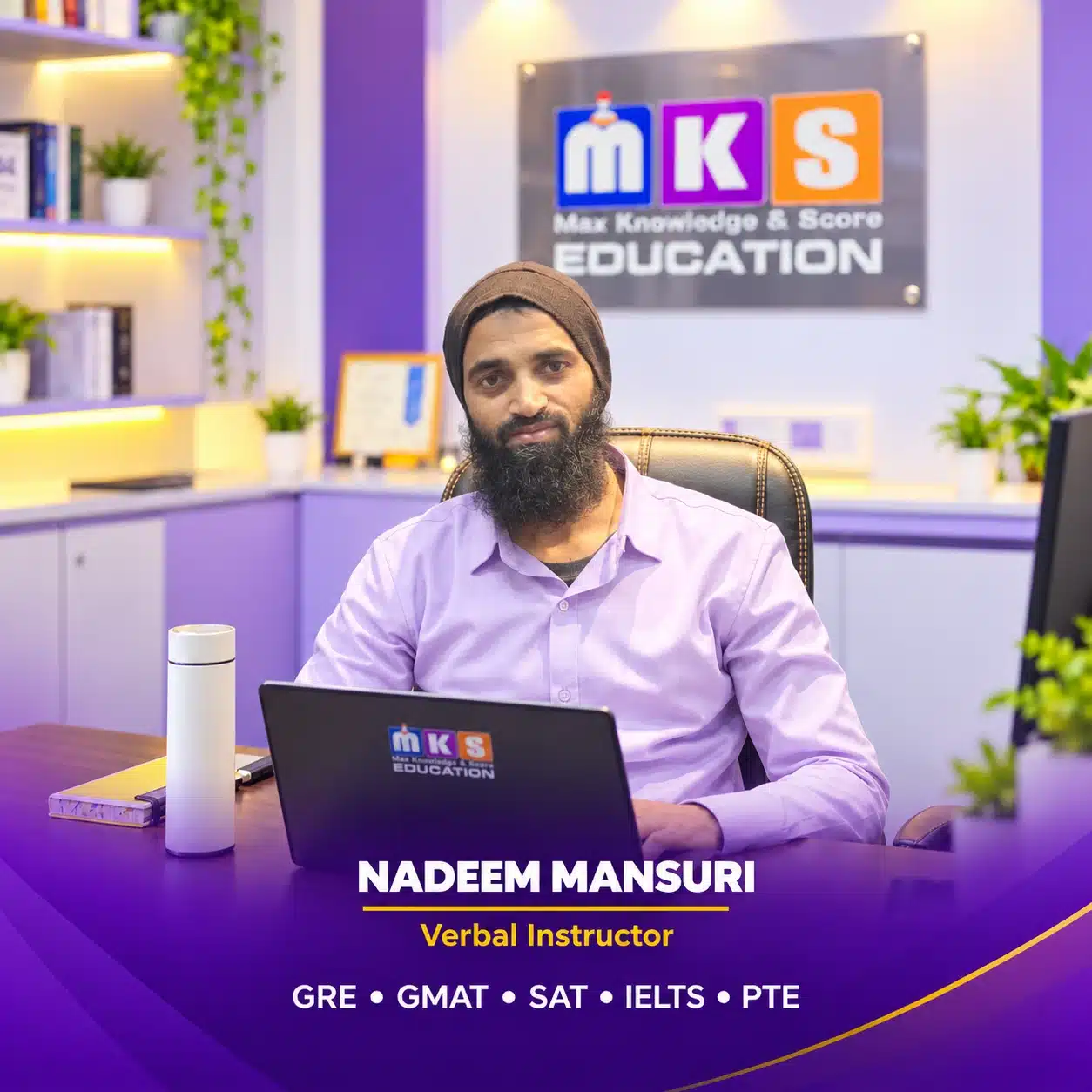
Quant/Math मा Manoj K. Singh — 2007 देखि र Verbal/AW मा Nadeem Mansuri — 2017 देखि। Concept, practice र feedback सँगै लिएर target score तर्फ अघि बढ्नुहोस्।
आफूलाई मिल्ने Class ModePhysical · Online · Hybrid
सबै Mode मा RecordingOnline र Physical दुवैलाई
4 + 2 = 6 महिनाको AccessClass + LMS सँग नियमित तयारी
Unlimited Study SupportTeacher + WhatsApp Group
1 · Class Mode रोज्नुहोस्
Online, Physical वा Hybrid—तपाईंलाई जे मिल्छ।
तलको tab थिचेर आफ्नो mode हेर्नुहोस्। तीनै mode मा class, GRE LMS access, recording र study support पाइन्छ।
Putalisadak मा आएर Class लिनुहोस्।
MKS Education, Shankerdev Campus को अगाडि, Putalisadak मा instructor सँग प्रत्यक्ष पढ्नुहोस्। Concept बुझ्नुहोस् र नबुझेको कुरा class मै सोध्नुहोस्।
- सोमबारदेखि शुक्रबार नियमित GRE class लिनुहोस्।
- QR मा Manoj K. Singh र VR/AW मा Nadeem Mansuri सँग पढ्नुहोस्।
- Class पछि GRE LMS मा notes, topic practice, timed tests र review गर्नुहोस्।
- Physical class का विद्यार्थीलाई पनि recording दिइन्छ। फेरि हेरेर revision गर्नुहोस्।
पहिलो Class अघि
Admission team सँग batch र time मिलाउनुहोस्। Notebook र आफ्नो Teams/LMS account तयार राख्नुहोस्। Target test date भन्नुहोस् ताकि instructor ले तयारीको plan बनाउन सहयोग गर्न सकून्।
घरबाटै Live Online Class लिनुहोस्।
MKS ले दिएको Microsoft Teams account बाट live class मा जोडिनुहोस्। Instructor को explanation हेर्न, सुन्न र प्रश्न सोध्न मिल्छ।
- Teams मा live teaching, screen sharing र instructor को explanation हेर्नुहोस्।
- Class मै प्रश्न सोध्नुहोस्। आवश्यक पर्दा support team सँग सहयोग लिनुहोस्।
- GRE LMS मा lessons, practice sets, section tests र full-length tests गर्नुहोस्।
- Class छुटे वा revision गर्नुपरे recording 10 दिनभित्र फेरि हेर्नुहोस्।
Online Class अघि
राम्रो internet, laptop/computer र audio तयार राख्नुहोस्। Computer र phone मा Teams install गर्नुहोस्। Account र सही batch मा जोडिन team ले सहयोग गर्छ।
कहिले Physical, कहिले Online—Hybrid Class।
मिलेको दिन classroom मा आउनुहोस्, आवश्यक पर्दा online जोडिनुहोस्। आफ्नो attendance plan team सँग मिलाउनुहोस्।
- Physical वा Online दुवैबाट एउटै GRE course जारी राख्नुहोस्।
- Mode परिवर्तन गर्दा पनि उही topic cycle अनुसार पढ्नुहोस्।
- दुवै mode मा GRE LMS र class recording पाइन्छ।
- Schedule परिवर्तन वा सही session मा जोडिन समस्या भए team लाई भन्नुहोस्।
सुरु कसरी गर्ने?
Mode परिवर्तन गर्नुअघि team सँग मिलाउनुहोस्। Regular class, revision र LMS practice ले आफ्नो तयारी अगाडि बढाउनुहोस्।
सोमबारदेखि शुक्रबार 8 हप्ताको rolling cycle हुन्छ। आफूले सुरु गरेको topic फेरि नआउन्जेल पूरा round पढ्नुहोस्। 6 महिनाको access भित्र revision र practice गर्दै जानुहोस्।
MKS मा तपाईंले पाउने साथ
तयारीदेखि Test Date सम्म, हाम्रो साथ।
Class सँगै नियमित practice, feedback र support पाउँदा आफ्नो तयारी व्यवस्थित बनाउन सजिलो हुन्छ।
01
Full-time, Score-oriented Guidance
हाम्रा full-time instructors ले तपाईंको कमजोर topic बुझेर concept, practice र revision मा साथ दिन्छन्। नियमित feedback लिएर target score तर्फ अघि बढ्नुहोस्।
02
Unlimited Support + WhatsApp
छुट्टै class group र community group मा जोडिनुहोस्। 24×7 आफ्ना प्रश्न राख्न मिल्छ। Class, practice वा app मा अड्किँदा teacher र support team सँग सहयोग लिनुहोस्।
03
Test Date Booking मा सहायता
GRE exam को date छान्ने र booking process मा हामी सहयोग गर्छौँ। आफूलाई मिल्ने date र तयारीको समय team सँग मिलाएर plan गर्नुहोस्।
04
Self-study + Class को Guidance
International स्तरको LMS App मा आफ्नै गतिमा पढ्नुहोस्। Class को explanation, App को practice र teacher को feedback सँगै लिएर तयारीमा confidence बढाउनुहोस्।
2 · Class पछि पनि नियमित Practice
International स्तरको आफ्नै GRE LMS App
LMS भनेको तपाईंको online study portal हो। gre.mksprep.com मा QR, VR र AW का lessons, practice र tests एकै ठाउँमा पाइन्छ। आफ्नै गतिमा self-study गर्नुहोस्। Class को guidance र App को practice जोडेर target score तर्फ तयारी गर्नुहोस्।
यी GRE portal को study library का संख्या हुन् (29 अक्टोबर 2026 को गन्ती)। Admission पछि आफ्नो account मा course access activate हुन्छ।
01
Quantitative Reasoning
Number Properties, Algebra, Geometry, Advanced Topics र Word Problems का concepts बुझ्नुहोस्। त्यसपछि topic practice, timed tests, written solutions र video explanations बाट तयारी गर्नुहोस्।
QR का Topics र Course Links हेर्नुहोस्
Number Properties
- Unit Digit
- Odd and Even
- Integers
- Prime Numbers
- Factors and Multiples
Elementary Algebra
- Decimals
- Alphanumeric
- Symbol and Function
- Progression
- Exponents and Roots
- Inequality and Modulus
- Equation and Simplification
Geometry
- Line and Angle
- Triangles
- Quadrilaterals
- Circle
- Solid Geometry
- Coordinate Geometry
Advanced Topics
- Permutation and Combination
- Probability
- Statistics
- Data Analysis
Word Problems
- Percentage
- Ratio and Proportion
- Work, Rate and Time
- Speed, Distance and Time
- Mixtures and Alligation
- Interest
- Sets
04
Tests & review
Topic practice पछि combined र full-length tests दिनुहोस्। Time management सिक्नुहोस् र result review गरेर कुन topic दोहोर्याउनुपर्छ, पत्ता लगाउनुहोस्।
Test Collections हेर्नुहोस्
4 + 2 = 6 महिनाको Access: सुरुको 4 महिनापछि थप 2 महिनासहित class र LMS मा कुल 6 महिनाको access पाइन्छ। थप access activate गराउन आफ्नो MKS ID सहित team लाई सम्पर्क गर्नुहोस्। Account वा access मा समस्या आए हामी सहयोग गर्छौँ।
Live class का लागि Microsoft Teams डाउनलोड गर्नुहोस् र MKS ले दिएको account प्रयोग गर्नुहोस्। Batch मा Viber प्रयोग भए official Viber app राख्नुहोस्। Team ले तपाईंलाई class र WhatsApp group मा जोडिदिन्छ।
Mobile App अहिले नै download गर्न मिल्छ। Mobile बाट आफ्नो GRE LMS खोल्नुहोस्। Desktop App चाहिँ admission पछि team ले तपाईंको computer मा install र setup गरिदिन्छ। आफ्नो MKS account बाट mobile र computer दुवैमा तयारी जारी राख्नुहोस्।
MKS GRE App & Web Portal
Scan a QR code or use the link below it to download the iOS app or open the web portal.
Android
MKS GRE on Google Play
Coming Soon
iPhone & iPad
MKS GRE on the Apple App Store

Web Portal
Open MKS GRE in your browser

3 · GRE Exam बुझ्नुहोस्
GRE मा के–के आउँछ?
GRE को पूरा नाम Graduate Record Examinations हो। यसमा Analytical Writing, Verbal Reasoning र Quantitative Reasoning आउँछन्। Exam format बुझेर तयारीको plan बनाउनुहोस्।
1 hr 58 minExam को अनुमानित कुल समय
5 sections1 AW + 2 VR + 2 QR
54 questions + 1 task27 VR + 27 QR + an issue essay
Mobile मा पूरा table हेर्न दायाँ–बायाँ सार्नुहोस्।
| Measure | Sections | Questions / task | Time | Your MKS instructor |
|---|---|---|---|---|
| Analytical Writing | 1 | 1 “Analyze an Issue” task | 30 minutes | Nadeem Mansuri |
| Verbal Reasoning | 2 | Section 1: 12 Section 2: 15 27 total | 18 + 23 minutes 41 minutes total | Nadeem Mansuri |
| Quantitative Reasoning | 2 | Section 1: 12 Section 2: 15 27 total | 21 + 26 minutes 47 minutes total | Manoj K. Singh |
Exam कसरी हुन्छ? पहिले Analytical Writing हुन्छ। त्यसपछि VR र QR को क्रम फरक पर्न सक्छ। VR र QR मा पहिलो section को performance अनुसार दोस्रो section को difficulty तय हुन्छ।
समय बाँकी रहँदा एउटै section भित्र प्रश्न skip गर्न, review का लागि mark गर्न र answer बदल्न मिल्छ। QR मा on-screen calculator पाइन्छ। यो table official GRE format हो; class र LMS बाट यही format अनुसार तयारी गर्नुहोस्।
Official जानकारी: ETS GRE test structure and features। 29 अक्टोबर 2026 मा जाँचिएको format।
4 · Recording बाट Revision
Class छुटे पनि, Recording बाट फेरि बुझ्नुहोस्।
Online, Physical र Hybrid—तीनै mode का विद्यार्थीलाई class recording दिइन्छ। Explanation फेरि हेर्नुहोस्, note बनाउनुहोस् र GRE LMS मा त्यही concept को practice गर्नुहोस्।
- आफ्नो Microsoft Teams class खोलेर recording हेर्नुहोस्।
- Explanation हेरेर note बनाउनुहोस् र LMS मा सम्बन्धित प्रश्न हल गर्नुहोस्।
- गाह्रो लागेको topic वा step instructor र WhatsApp group मा सोध्नुहोस्।
10 दिनTeams मा Recording उपलब्ध रहन्छ
Recording 10 दिनसम्म Teams मा रहन्छ। समयमै हेरेर आफ्नो revision पूरा गर्नुहोस्।
MKS ले दिएको Teams account प्रयोग गर्नुहोस्। Class वा recording नभेटिए team लाई भन्नुहोस्।
तपाईंको MKS Team
Full-time Instructor र तपाईंलाई साथ दिने Team
Manoj K. Singh — Quant/Math मा 2007 देखि र Nadeem Mansuri — Verbal/AW मा 2017 देखि सक्रिय। हाम्रा full-time, score-oriented instructors ले concept, practice र कमजोर पक्ष सुधार्न guidance दिन्छन्। Admission, class access, app setup र study planning मा MKS team तपाईंको साथमा छ।